
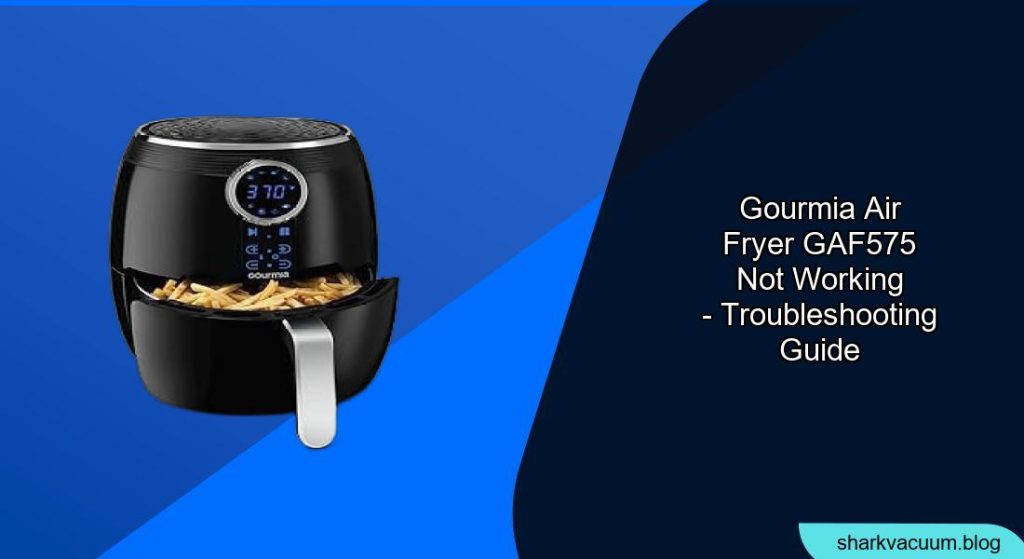
Experiencing a malfunctioning Gourmia GAF575 air fryer can be frustrating, especially when you’re craving a quick and healthy meal. This article provides a comprehensive guide to diagnosing and resolving common issues that might cause your Gourmia GAF575 air fryer to stop working. Whether it’s a simple fix or a more complex problem, we’ll walk you through the steps to get your air fryer back in action.
Your Gourmia GAF575 air fryer is a valuable kitchen appliance designed for convenient and healthy cooking. When it stops working, it disrupts your meal plans and daily routine. In this guide, we will explore the common reasons why your air fryer might be malfunctioning, and provide practical solutions to troubleshoot and fix these issues. From power supply problems to sensor malfunctions, understanding the possible causes will help you efficiently resolve the problem. Let’s dive into the troubleshooting steps to get your Gourmia GAF575 air fryer working again.
Understanding Why Your Gourmia GAF575 Air Fryer Isn’t Working

Before diving into solutions, it’s important to understand potential causes. These can range from simple user errors to more complex technical issues. Identifying the root cause is the first step to effectively troubleshooting your Gourmia GAF575 air fryer. Here are several common reasons for malfunction:
- Power Issues: Check if the air fryer is properly plugged in and the outlet is working.
- Incorrect Settings: Ensure the timer and temperature are correctly set.
- Basket Problems: Make sure the basket is properly inserted and the drawer is fully closed.
- Overheating: The air fryer may have overheated and needs time to cool down.
- Sensor Malfunctions: Faulty sensors can prevent the air fryer from starting.
- Control Panel Problems: Issues with the touch screen or buttons can hinder operation.
Troubleshooting Power and Basic Functionality
The first step in diagnosing a non-functional Gourmia GAF575 is to check the power supply and basic settings. These simple checks can often resolve the issue without further troubleshooting.
- Check the Power Cord and Outlet:
- Ensure the power cord is securely plugged into both the air fryer and the electrical outlet.
- Test the outlet with another appliance to confirm it is working.
- If using an extension cord, make sure it is rated for the air fryer’s power requirements.
- Verify the Display and Control Panel:
- Check if the display lights up when the air fryer is plugged in.
- If the display is blank, try a different outlet.
- Ensure no error messages are displayed.
- Confirm Timer and Temperature Settings:
- Make sure the timer is set for a reasonable cooking time (e.g., 5 minutes or more).
- Verify the temperature is set above room temperature.
- Some models require both timer and temperature settings for operation.
- Check the Basket and Drawer:
- Ensure the air fryer basket is correctly inserted into the drawer.
- Make sure the drawer is fully closed; many air fryers have a safety mechanism that prevents operation if the drawer isn’t closed properly.
- Clean the basket and drawer to remove any obstructions that might prevent proper closure.
Addressing Common Mechanical Issues

Mechanical issues, such as problems with the basket, drawer, or safety mechanisms, can often prevent the Gourmia GAF575 from operating. Inspecting these components can help identify simple fixes.
- Inspect the Basket Mechanism:
- Ensure the basket is properly seated within the drawer.
- Check for any damage or deformation to the basket or its locking mechanism.
- Make sure the basket handle is securely attached and functioning correctly.
- Check the Drawer Alignment:
- Verify the drawer slides in and out smoothly without any obstructions.
- Inspect the drawer for any signs of damage or warping.
- Clean the rails and grooves to ensure smooth operation.
- Examine the Safety Switch:
- Locate the safety switch that detects whether the drawer is fully closed (usually near the drawer slot).
- Ensure the switch is not obstructed or damaged.
- Test the switch by manually pressing it to see if the air fryer starts (use caution and unplug the unit first).
Resolving Overheating Problems
Air fryers can sometimes overheat, causing them to shut down as a safety measure. Allowing the unit to cool down and taking preventive steps can resolve this issue.
- Allow the Air Fryer to Cool Down:
- If you suspect overheating, unplug the air fryer and let it cool down for at least 30 minutes.
- Ensure the vents are clear of any obstructions to allow for proper airflow.
- Reduce Cooking Time and Temperature:
- When cooking large batches, reduce the cooking time and temperature to prevent overheating.
- Consider cooking in multiple smaller batches instead.
- Clean the Air Filter and Vents:
- Regularly clean the air filter and vents to ensure proper airflow.
- Use a soft brush or vacuum cleaner to remove any dust or debris.
Dealing with Sensor and Control Panel Issues
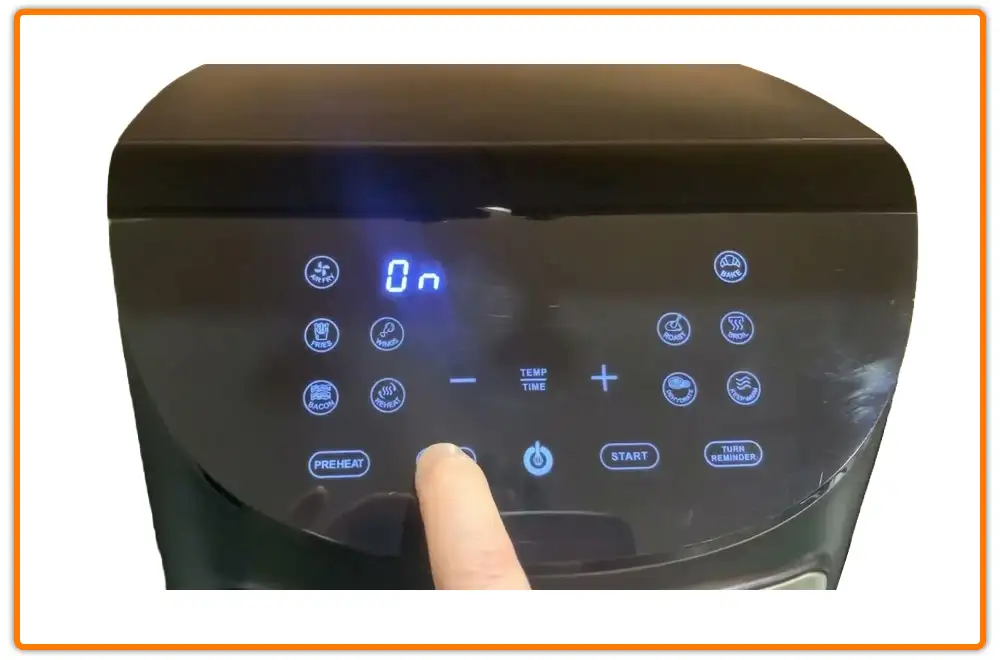
If the above steps don’t resolve the issue, the problem might be related to faulty sensors or the control panel. These issues often require more advanced troubleshooting.
- Check for Error Codes:
- If the air fryer displays an error code, consult the user manual to identify the problem.
- Some error codes indicate specific sensor malfunctions or electronic issues.
- Reset the Air Fryer:
- Unplug the air fryer for several minutes to reset its internal circuitry.
- Plug it back in and try again.
- Test the Control Panel:
- Ensure all buttons on the control panel are responsive.
- If some buttons are unresponsive, there may be an issue with the control panel itself.
Gourmia GAF575 Air Fryer Tips, Warnings and Best Practices
- Read the Manual: Always refer to the Gourmia GAF575 user manual for specific troubleshooting steps and safety information.
- Regular Cleaning: Clean your air fryer after each use to prevent buildup and ensure optimal performance.
- Avoid Overcrowding: Do not overcrowd the basket, as this can lead to uneven cooking and potential overheating.
- Use Proper Utensils: Use heat-resistant utensils to avoid scratching the non-stick coating of the basket.
- Safety First: Always unplug the air fryer before cleaning or performing any maintenance.
- Warning: Never immerse the air fryer unit in water.
FAQ: Troubleshooting Your Gourmia GAF575 Air Fryer
Why is my Gourmia GAF575 air fryer turning off mid-cycle?
This issue could be due to overheating, a faulty timer, or a loose power cord. Ensure the air fryer is not overcrowded, allow it to cool down if it overheats, check the timer settings, and verify the power cord is securely connected. If the problem persists, it might be a sensor malfunction, indicating a need for professional repair.
What do I do if the touch screen on my Gourmia GAF575 is unresponsive?
First, try cleaning the touch screen with a soft, dry cloth to remove any dirt or grease. If that doesn’t work, unplug the air fryer for a few minutes to reset it. If the screen remains unresponsive, there may be an internal issue with the control panel that requires professional attention.
How can I prevent my Gourmia air fryer from smoking?
Smoking usually occurs when there is excessive fat or food residue in the air fryer. Ensure you are using lean cuts of meat, trim excess fat, and clean the air fryer thoroughly after each use. Also, avoid cooking foods with high moisture content without properly drying them first.
Why is my food not cooking evenly in the Gourmia GAF575?
Uneven cooking can result from overcrowding the basket, incorrect temperature settings, or not shaking or flipping the food during cooking. Ensure the food is spread in a single layer, adjust the temperature as needed, and shake or flip the food halfway through the cooking time for even browning and crisping.
Is it normal for my Gourmia GAF575 to make a loud noise during operation?
Some noise is normal, especially from the fan, but excessively loud or unusual noises could indicate a problem. Check if the basket is properly seated and that there are no loose parts. If the noise persists and sounds abnormal, it may be a sign of a motor or fan issue, and you should consult a professional repair service.
What does it mean if my Gourmia air fryer displays an error code?
Error codes typically indicate specific issues with the air fryer, such as sensor malfunctions, overheating, or electrical problems. Consult your user manual to identify the meaning of the error code and follow the recommended troubleshooting steps. If the manual doesn’t provide a solution, contact Gourmia customer support or a qualified appliance repair technician.
Conclusion
Troubleshooting a non-functional Gourmia GAF575 air fryer involves systematically checking potential issues, from power and settings to mechanical and sensor problems. By following the steps outlined in this guide, you can often identify and resolve the problem, restoring your air fryer to working order.
If the issue persists after trying these solutions, consider contacting Gourmia customer support or a qualified appliance repair technician for further assistance. Regular maintenance and careful usage will help prolong the life of your Gourmia GAF575 air fryer, ensuring many more delicious and healthy meals.