

Having trouble with your Gourmia coffee maker buttons not responding? It can be frustrating when your morning coffee routine is disrupted. This guide provides a comprehensive approach to troubleshooting your Gourmia coffee maker when the buttons aren’t working, helping you get back to brewing your favorite cup quickly.
The unresponsiveness of your Gourmia coffee maker’s buttons can stem from several issues, including simple fixes like power problems or more complex issues like internal malfunctions. This article will walk you through a series of troubleshooting steps, from basic checks to more advanced solutions, ensuring you can identify and resolve the problem efficiently. We’ll cover everything from power supply issues to potential component failures, offering practical advice and solutions along the way.
This guide will cover common reasons why your Gourmia coffee maker buttons might not be working, offering step-by-step solutions to resolve these issues. We’ll also delve into some preventative measures to keep your coffee maker in top working condition, ensuring a smooth brewing experience for years to come.
Check the Power Supply and Connections

A faulty power supply is one of the most common reasons why your Gourmia coffee maker’s buttons might not be working. Make sure the coffee maker is properly connected to a functioning power outlet.
- Verify the outlet: Plug another device into the same outlet to confirm it is working. If the outlet isn’t working, check the circuit breaker or try a different outlet.
- Check the power cord: Ensure the power cord is securely plugged into both the coffee maker and the outlet. Look for any signs of damage to the cord, such as frays or cuts.
- Reset the coffee maker: Unplug the coffee maker from the outlet, wait for 60 seconds, and then plug it back in. This can sometimes reset the internal electronics and resolve minor issues.
Examine the Control Panel for Obstructions
Sometimes, the control panel buttons might not work due to physical obstructions or residue buildup. A thorough cleaning can often resolve this issue.
- Clean the buttons: Use a soft, damp cloth to clean the buttons and the surrounding area. Avoid using excessive water, which could seep into the internal components.
- Remove any residue: Coffee grounds, spills, or other debris can sometimes interfere with the buttons’ functionality. Use a small brush or cotton swab to gently remove any residue.
- Ensure proper contact: Make sure that the buttons are not stuck or jammed. Press each button firmly to ensure it makes proper contact with the internal switch.
Troubleshoot the Display Issues

A malfunctioning display can sometimes give the impression that the buttons are not working. Here’s how to troubleshoot display-related problems.
- Check the display settings: Some coffee makers have adjustable display settings, such as brightness or contrast. Make sure these settings are properly configured.
- Look for error messages: The display might show an error message that indicates the problem. Refer to the user manual to understand the meaning of the error message and how to resolve it.
- Reset the display: Try resetting the coffee maker by unplugging it for a minute and then plugging it back in. This can sometimes refresh the display and resolve minor glitches.
Address Internal Component Malfunctions
If the above steps don’t work, the issue might be with the internal components of the coffee maker. These steps require caution and, in some cases, professional assistance.
- Check the fuse: Some coffee makers have an internal fuse that protects the electronic components. If the fuse is blown, the buttons won’t work. Refer to the user manual to locate and replace the fuse.
- Inspect the circuit board: If you’re comfortable doing so, open the coffee maker and inspect the circuit board for any signs of damage, such as burnt components or loose connections.
- Consult a technician: If you suspect a more serious internal issue, it’s best to consult a qualified appliance repair technician. Attempting to fix complex electronic issues without proper knowledge can be dangerous.
Perform a Factory Reset (If Available)

Some Gourmia coffee makers come with a factory reset option, which can help resolve software-related issues that might be causing the buttons to malfunction.
- Check the manual: Refer to your coffee maker’s user manual to find the instructions for performing a factory reset. The process varies depending on the model.
- Follow the steps: Carefully follow the instructions provided in the manual. Typically, this involves pressing and holding one or more buttons for a specific period.
- Test the buttons: After the factory reset, test all the buttons to see if they are now working correctly.
Check for Software or Firmware Issues
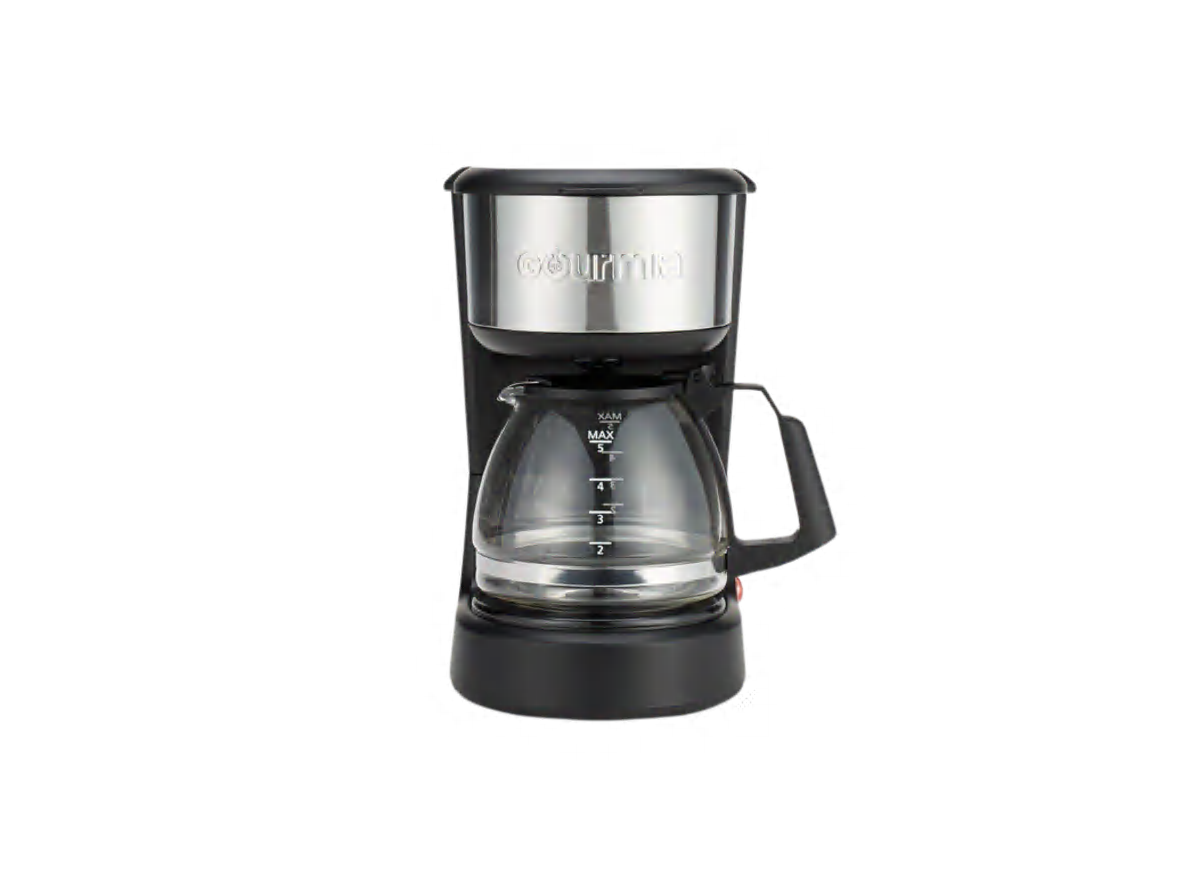
In some advanced models, software or firmware glitches can cause button unresponsiveness.
- Check for updates: Visit the Gourmia website to see if there are any available software or firmware updates for your coffee maker model.
- Install updates: If updates are available, follow the instructions provided by Gourmia to install them. This process usually involves downloading the update to a USB drive and then uploading it to the coffee maker.
- Restart the coffee maker: After installing any updates, restart the coffee maker to ensure the changes take effect.
Tips, Warnings, and Best Practices
- Regular Cleaning: Clean your coffee maker regularly to prevent residue buildup that can affect button functionality.
- Avoid Overfilling: Do not overfill the water reservoir or coffee filter, as spills can damage the control panel.
- Use Filtered Water: Using filtered water can prevent mineral buildup, which can affect the coffee maker’s overall performance.
- Safety First: Always unplug the coffee maker before attempting any repairs or cleaning to avoid electric shock.
- Consult the Manual: Always refer to your Gourmia coffee maker’s user manual for specific troubleshooting steps and safety information.
FAQ
What does it mean when the power button is blinking but the coffee maker won’t turn on?
A blinking power button usually indicates that the coffee maker is in standby mode or that there’s an issue with the power supply. Try unplugging the coffee maker for a few minutes and then plugging it back in. If the problem persists, check the outlet and power cord.
How do I know if the fuse in my Gourmia coffee maker is blown?
If the coffee maker is completely unresponsive and none of the buttons work, the fuse might be blown. Refer to the user manual to locate the fuse. Visually inspect the fuse for a broken filament. If it’s broken, replace it with a fuse of the same type and rating.
Can I use a universal remote to control my Gourmia coffee maker?
No, Gourmia coffee makers are not designed to be controlled by universal remotes. The buttons on the control panel are directly wired to the internal electronic components.
What should I do if the display shows an error code that’s not in the manual?
If the display shows an error code that’s not listed in the user manual, try contacting Gourmia customer support for assistance. Provide them with the error code and the model number of your coffee maker.
How often should I descale my Gourmia coffee maker to prevent issues?
Descaling your coffee maker every 1-3 months, depending on water hardness and usage, can prevent mineral buildup that can affect performance. Use a descaling solution or a mixture of vinegar and water, following the instructions in your user manual.
Is it safe to open the coffee maker to inspect the internal components?
Opening the coffee maker can be risky and may void the warranty. If you’re not comfortable working with electronic components, it’s best to consult a qualified appliance repair technician.
Conclusion
When your Gourmia coffee maker buttons aren’t working, systematically troubleshooting each potential cause—from power issues to internal malfunctions—is key to finding a solution. Start with the simple checks like power and physical obstructions, and then move on to more complex solutions like resetting the display or checking internal components. Remember to prioritize safety and consult the user manual for specific instructions.
By following this guide, you should be able to identify and resolve the issue, getting your Gourmia coffee maker back to brewing your perfect cup of coffee. And if all else fails, don’t hesitate to contact a professional repair service to ensure your coffee maker is fixed correctly and safely.