
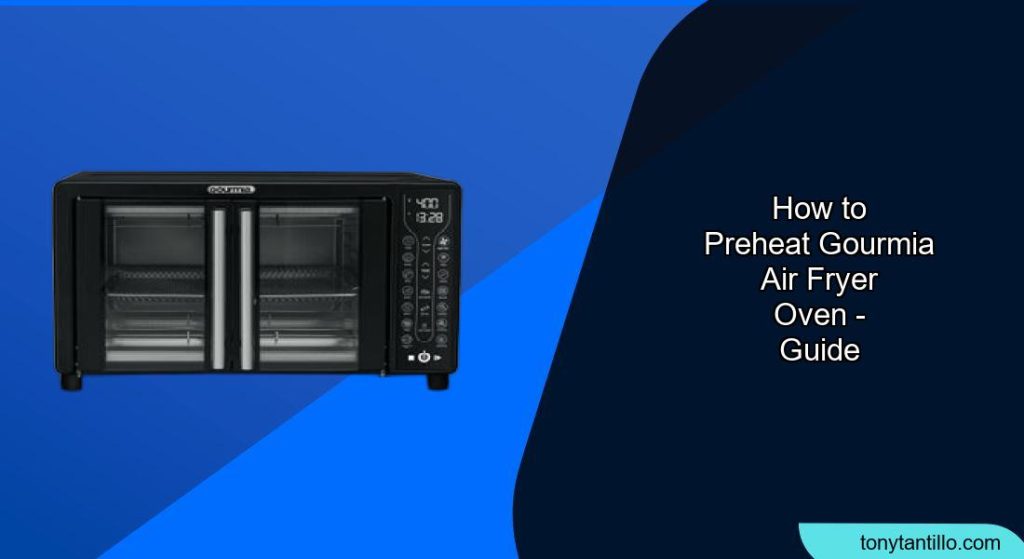
Air fryer ovens have become a popular kitchen appliance, offering a convenient way to enjoy crispy, delicious food with less oil. Gourmia is a well-known brand in this space, offering a range of air fryer ovens with various features. Preheating your Gourmia air fryer oven is a crucial step in ensuring your food cooks evenly and achieves that perfect crispy texture. This guide will walk you through the process, provide helpful tips, and answer frequently asked questions to help you master the art of preheating your Gourmia air fryer oven.
1. Understanding the Importance of Preheating

Preheating your Gourmia air fryer oven offers several benefits:
- Ensures even cooking: A preheated oven provides a consistent temperature from the start, leading to more evenly cooked food.
- Achieves crispy results: Preheating helps to quickly crisp the outside of food, locking in moisture and creating a desirable texture.
- Improves cooking time accuracy: Recipes often assume a preheated oven, so preheating ensures your cooking times are accurate.
2. Step-by-Step Instructions for Preheating Your Gourmia Air Fryer Oven
The preheating process can vary slightly depending on your specific Gourmia model. Here’s a general guide:
- Prepare the Air Fryer Oven: Place your Gourmia air fryer oven on a stable, level, and heat-resistant surface. Ensure it is clean and free of any food debris. Wipe down the inside with a damp cloth if necessary.
- Insert Accessories (if needed): Depending on what you are cooking, insert the appropriate accessories, such as the air fry basket, oven rack, or baking pan. Always ensure the crumb tray is in place at the bottom of the oven.
- Power On: Plug the air fryer oven into a grounded wall socket. Tap the power icon to turn it on.
- Select Cooking Function: Choose the desired cooking function (e.g., Air Fry, Bake, Roast). Many Gourmia air fryer ovens have preset cooking options for common foods.
- Set Temperature: Manually adjust the temperature using the “+” and “-” buttons, or select the preset temperature if using a preset function. According to one Youtube video, Gourmia air fryer ovens can reach temperatures as high as 450°F.
- Enable Preheat (if available): Some Gourmia models have a dedicated “Preheat” button. If your model has this button, tap it to activate the preheating function. If there is not a dedicated “Preheat” button, preheating may be enabled by default for certain functions. Check your user manual for more details.
- Start Preheating: Press the “Start” button to begin the preheating process. The display will usually show “Preheating” or a similar message, along with a progress indicator.
- Wait for Preheating to Complete: The air fryer oven will beep or display a message like “Add Food” when preheating is finished. This usually takes 3-5 minutes.
- Add Food: Carefully remove the basket or tray, place your food inside, and return it to the air fryer oven.
- Start Cooking: The air fryer oven will automatically begin cooking after preheating. If it doesn’t, press the “Start” button again.
3. Troubleshooting Common Preheating Issues
- Air Fryer Not Turning On:
- Possible Cause: Not properly plugged in, faulty outlet, damaged power cord.
- Solution: Ensure the air fryer is correctly plugged into a working outlet. Check the power cord for damage. Try a different outlet.
- Air Fryer Not Heating Up:
- Possible Cause: Incorrect temperature setting, basket not properly placed, air vents blocked.
- Solution: Verify the temperature setting, ensure the basket is correctly inserted, and check for any obstructions in the air vents.
- Display Not Working:
- Possible Cause: Damage to the control panel, moisture.
- Solution: Check the control panel for damage or moisture. Contact Gourmia customer support for assistance.
- Air Fryer Shuts Off During Preheating:
- Possible Cause: Overheating, power surge.
- Solution: Let the air fryer cool down. Ensure the outlet can handle the power load.
4. Pro Tips for Preheating
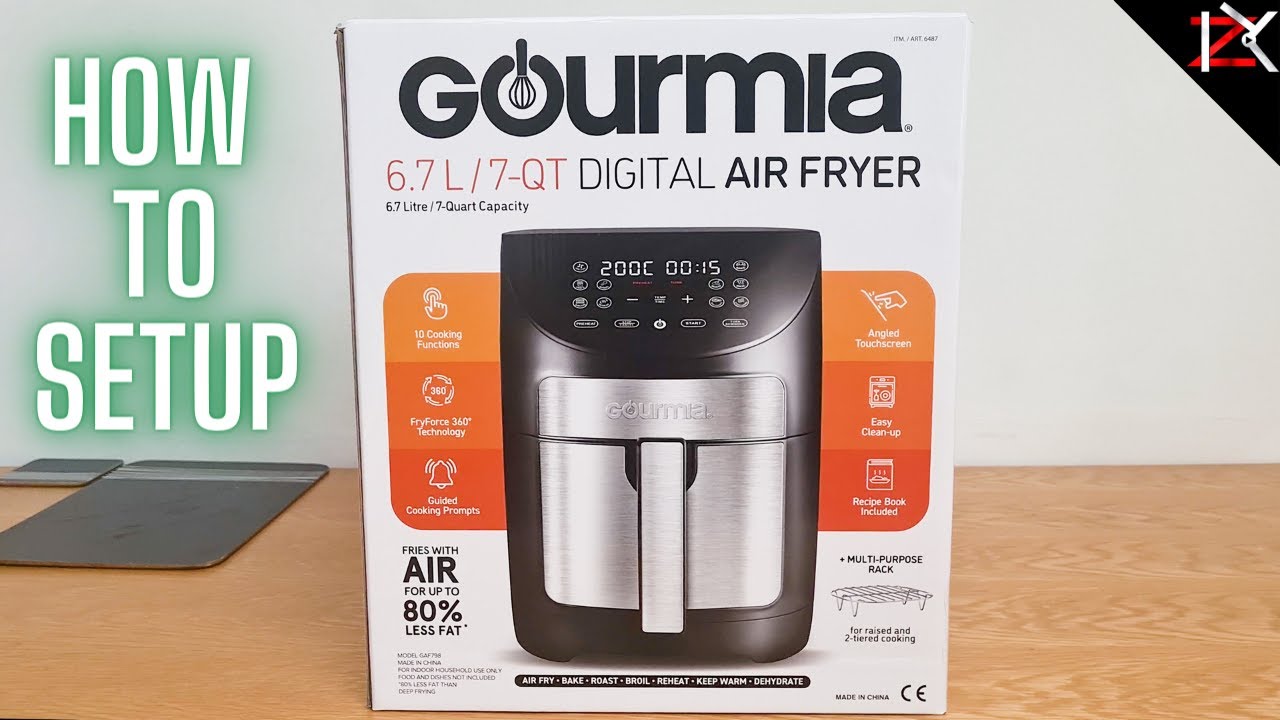
- Consult Your User Manual: Always refer to your Gourmia air fryer oven’s user manual for specific instructions and recommendations.
- When to Preheat: Preheating is generally recommended for foods that benefit from immediate high heat, such as meats, baked goods, and frozen items. For some foods like vegetables, preheating might not be necessary.
- Sound Control: If the preheating sound is too loud, some Gourmia models allow you to silence the beeping sound by pressing and holding the “Stop/Cancel” button.
- Clean Regularly: Clean your air fryer oven regularly to prevent food buildup, which can affect performance and preheating time.
5. Tips, Warnings, and Best Practices
- Safety First: Always use oven mitts when handling hot baskets, trays, or food.
- Avoid Overcrowding: Do not overcrowd the air fryer oven, as this can prevent even cooking.
- Use Proper Accessories: Use only the accessories that are designed for your Gourmia air fryer oven.
- Regular Maintenance: Regularly inspect the power cord and plug for any signs of damage.
- Unplug When Not in Use: Always unplug the air fryer oven when not in use and before cleaning.
6. Frequently Asked Questions (FAQ)
What temperature should I preheat my Gourmia air fryer oven to?
The preheating temperature depends on the recipe or the type of food you are cooking. Generally, preheat to the same temperature you will be cooking at.
How long does it take to preheat a Gourmia air fryer oven?
Most Gourmia air fryer ovens preheat in 3-5 minutes. The exact time may vary depending on the model and the set temperature.
Can I preheat without any food inside?
Yes, preheating is typically done without food inside. The air fryer oven will signal when it’s ready for you to add the food.
Do I need to preheat for all cooking functions?
No, preheating is not always necessary. It is generally recommended for baking, roasting, and air frying certain foods like meats and frozen items. Check your recipe or user manual for guidance.
What if my Gourmia air fryer oven doesn’t have a preheat function?
If your model doesn’t have a preheat function, you can manually preheat it by setting the desired temperature and letting it run for 3-5 minutes before adding food.
How do I know when the air fryer oven is preheated?
Most Gourmia air fryer ovens will beep or display a message like “Add Food” when preheating is complete.
Conclusion
Preheating your Gourmia air fryer oven is a simple yet essential step in achieving optimal cooking results. By following the steps outlined in this guide, you can ensure your food is cooked evenly, crispy, and delicious every time. Remember to consult your user manual for specific instructions and safety precautions for your model. Happy cooking!