
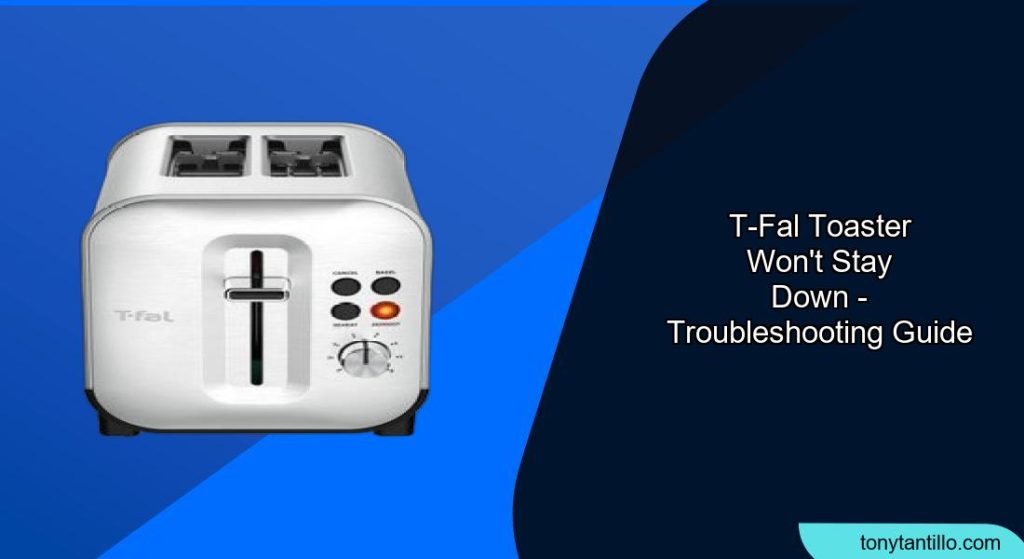
Is your T-fal toaster refusing to stay down, leaving you with untoasted bread and frustration? This is a common issue that can often be resolved with a few simple troubleshooting steps. This guide will walk you through the potential causes and how to fix them, so you can get back to enjoying perfectly toasted treats.
Why Your T-fal Toaster Won’t Stay Down

A toaster that won’t stay down is usually caused by a mechanical or electrical issue. Here’s a breakdown of the most common culprits:
- Crumbs and Debris: The most frequent cause is a build-up of crumbs and debris interfering with the latching mechanism.
- Electrical Issues: The toaster needs power to engage the electromagnet that holds the lever down. A faulty power cord, outlet, or internal electrical component can prevent this.
- Latch Mechanism Problems: The latch itself might be sticky, misaligned, or damaged.
- Solenoid Malfunction: The solenoid is an electrical component that releases the latch when the toasting cycle is complete. If it’s faulty, it might not engage properly in the first place.
Preparation Steps Before You Start
Before attempting any repairs, ensure your safety:
- Unplug the Toaster: Always disconnect the toaster from the power outlet before troubleshooting.
- Cool Down: Allow the toaster to cool completely to avoid burns.
- Clear Your Workspace: Work on a clean, well-lit surface.
Troubleshooting Guide for a T-fal Toaster That Won’t Stay Down
Here’s a step-by-step guide to diagnosing and fixing the problem:
- Clean Out the Crumbs:
- Remove the crumb tray and empty it.
- Turn the toaster upside down and gently shake it over a sink or trash can to dislodge any loose crumbs.
- Use a soft brush or vacuum cleaner with a brush attachment to clean the interior.
- Check the Power Supply:
- Ensure the toaster is plugged into a working outlet. Test the outlet with another appliance.
- Inspect the power cord for any signs of damage, such as cuts or frayed wires. If damaged, the cord needs replacement.
- Inspect the Latch Mechanism:
- Locate the latch that holds the lever down. It’s usually near the lever itself.
- Check for any obstructions or sticky residue.
- Try lubricating the latch with a small amount of food-safe lubricant, if needed.
- Examine and Clean Electrical Contacts:
- Caution: This step involves accessing internal components. If you’re not comfortable, seek professional help.
- Open the toaster (usually by removing screws on the bottom).
- Locate the electrical contacts that connect when the lever is pushed down.
- Clean the contacts with a contact cleaner or a small piece of sandpaper to remove any oxidation or dirt.
- Check the Solenoid:
- The solenoid is usually located near the latch.
- Test the solenoid with a continuity tester to see if it’s working. If faulty, it needs replacement. Note that replacing the solenoid or switch might be difficult if they are installed with rivets
- Reassemble and Test:
- Carefully reassemble the toaster.
- Plug it in and test if the lever stays down.
Addressing Common Problems
- Problem: The lever stays down, but the toaster doesn’t heat up.
- Solution: Check the heating elements for any breaks or damage. If damaged, they need replacement.
- Problem: The toaster burns the toast, or doesn’t release the carriage.
- Solution: The solenoid switch or the solenoid itself may be faulty.
- Problem: The toaster only toasts one side of the bread.
- Solution: This could be due to a misaligned or broken heating element.
Pro Tips for T-fal Toaster Maintenance
- Regular Cleaning: Clean your toaster regularly to prevent crumb build-up.
- Proper Bread Storage: Store bread properly to prevent it from becoming too dry or too moist, which can affect toasting performance.
- Avoid Overfilling: Don’t try to force oversized items into the toaster slots.
FAQ
Why does my T-fal toaster pop up immediately?
This often indicates a problem with the latching mechanism or the electromagnet. Check for obstructions, clean the contacts, and ensure the toaster is getting power.
How do I clean the heating elements in my T-fal toaster?
Unplug the toaster and allow it to cool. Use a soft brush to gently remove any debris from the elements. Avoid using liquids.
Can a faulty power cord cause my T-fal toaster to malfunction?
Yes, a damaged power cord can prevent the toaster from receiving enough power to engage the latching mechanism or heat the elements.
What does the defrost button do on my T-fal toaster?
The defrost button is designed to defrost frozen bread before toasting it. It typically extends the toasting time to ensure the bread is properly cooked.
How do I prevent my T-fal toaster from smoking?
Regularly clean out crumbs and avoid toasting items that are excessively buttered or iced, as these can create smoke.
Is it worth repairing a T-fal toaster, or should I replace it?
If the problem is a simple fix like cleaning or replacing a power cord, it may be worth repairing. However, if the issue is more complex or involves faulty internal components, it might be more cost-effective to replace the toaster, given their relatively low cost.
Tips, Warnings, and Best Practices
- Safety First: Always unplug the toaster before any cleaning or repair attempts.
- Don’t Use Water: Never use water to clean the inside of a toaster, as this can cause electrical shock.
- Consider a Professional: If you’re uncomfortable disassembling the toaster or dealing with electrical components, take it to a qualified appliance repair technician.
Conclusion
A T-fal toaster that won’t stay down can be a frustrating problem, but with a little troubleshooting, you can often resolve the issue yourself. By following these steps, you can diagnose the cause, perform simple repairs, and keep your toaster in good working order, ensuring perfectly toasted bread for years to come. If you’ve exhausted these solutions and your toaster still isn’t working, it might be time to consider a replacement.