

Are your Chefman air fryer buttons unresponsive, making it impossible to cook your favorite crispy treats? This can be incredibly frustrating when you’re craving a quick and easy meal. Don’t worry; you’re not alone, and there are several troubleshooting steps you can take before considering a replacement. This guide will walk you through common causes, practical solutions, and preventative measures to get your Chefman air fryer working again.
This article matters because a malfunctioning air fryer can disrupt your cooking routine and lead to unnecessary expenses. By understanding the potential issues and applying the troubleshooting tips provided, you can often resolve the problem yourself, saving time and money. We’ll cover everything from simple fixes like checking the power supply to more advanced solutions like resetting the control panel, ensuring you have all the information you need to get back to air frying.
Understanding Why Your Chefman Air Fryer Buttons Aren’t Working

Several reasons can cause the buttons on your Chefman air fryer to become unresponsive. Identifying the root cause is the first step toward finding the right solution. Here are some common culprits:
- Power Supply Issues: The air fryer might not be receiving sufficient power due to a faulty outlet, a loose power cord, or a tripped circuit breaker.
- Control Panel Lock: Some models have a control panel lock feature that, when enabled, prevents the buttons from working.
- Electronic Glitches: Like any electronic device, air fryers can experience software glitches or temporary malfunctions that affect button functionality.
- Overheating: If the air fryer overheats, it might automatically shut down certain functions, including the buttons, to prevent damage.
- Moisture or Debris: Spills or food particles on the control panel can interfere with the buttons’ sensitivity and responsiveness.
Initial Troubleshooting Steps
Before diving into more complex solutions, start with these basic checks to rule out simple issues:
- Check the Power Cord and Outlet: Ensure the power cord is securely plugged into both the air fryer and a working electrical outlet. Try a different outlet to rule out any issues with the original one.
- Reset the Air Fryer: Unplug the air fryer from the power outlet and wait for 2-3 minutes. This allows the internal components to reset. Plug it back in and try using the buttons again.
- Check the Control Panel Lock: If your Chefman air fryer has a control panel lock function, make sure it is disabled. Refer to your user manual for instructions on how to toggle this feature.
- Clean the Control Panel: Use a soft, damp cloth to gently clean the control panel. Ensure there are no food particles or spills that might be interfering with the buttons.
Advanced Solutions for Unresponsive Buttons
If the initial troubleshooting steps didn’t resolve the issue, try these more advanced solutions:
Resetting the Control Panel
Sometimes, a soft reset of the control panel can resolve electronic glitches. Here’s how to attempt a reset:
- Unplug the Air Fryer: Disconnect the air fryer from the power outlet.
- Press and Hold a Button: Press and hold any button on the control panel for 30 seconds. This helps discharge any residual electricity.
- Reconnect and Test: Plug the air fryer back into the outlet and test the buttons to see if they are working.
Checking for Overheating Issues
If the air fryer has overheated, it might need time to cool down before the buttons will function again.
- Allow Cooling Time: Let the air fryer cool down completely for at least 30 minutes.
- Ensure Proper Ventilation: Make sure the air fryer has adequate ventilation around it. Avoid placing it near walls or other appliances that could block airflow.
- Restart the Air Fryer: After cooling, plug the air fryer back in and try using the buttons.
Inspecting Internal Components
Warning: This step involves disassembling the air fryer and should only be attempted if you are comfortable working with electronics. If not, seek professional assistance.
- Unplug the Air Fryer: Ensure the air fryer is disconnected from the power outlet.
- Open the Housing: Carefully open the air fryer housing using a screwdriver.
- Check the Wiring: Inspect the wiring connections to the control panel. Look for any loose or damaged wires.
- Reassemble and Test: Reconnect any loose wires, reassemble the housing, and test the buttons.
Practical Tips for Air Fryer Maintenance
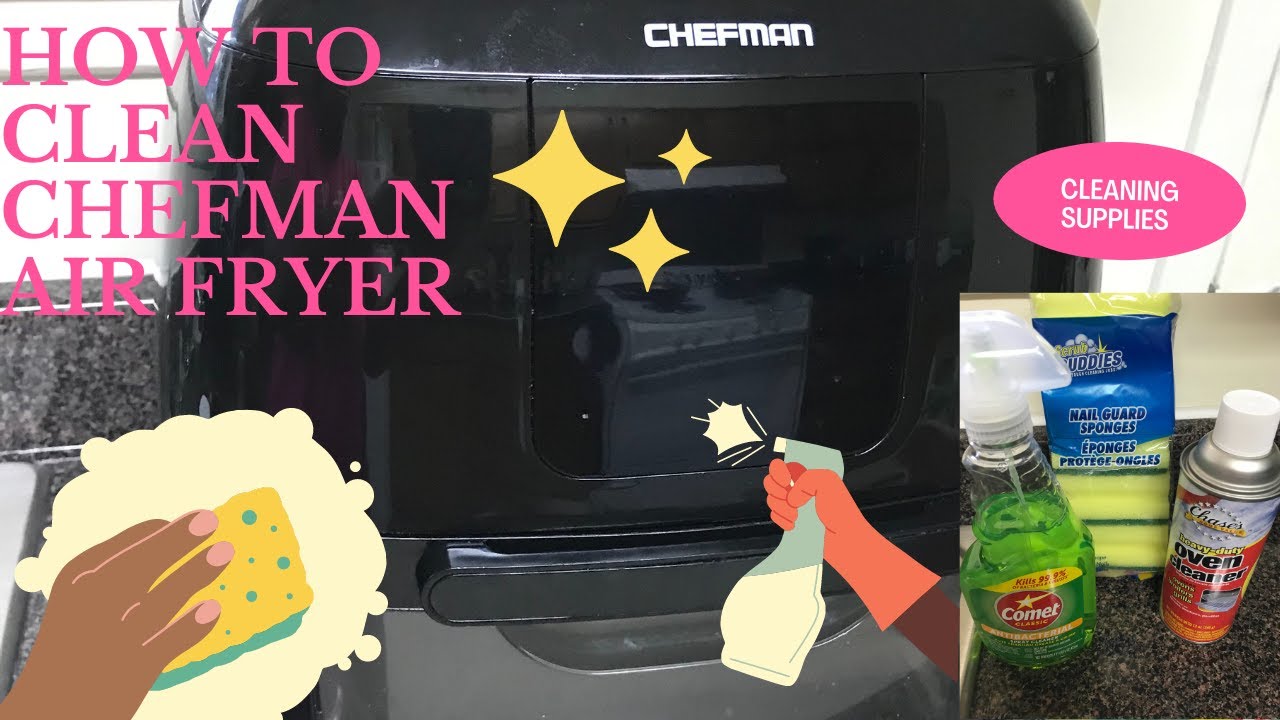
To prevent button issues and extend the life of your Chefman air fryer, follow these maintenance tips:
- Regular Cleaning: Clean the air fryer after each use to prevent food buildup.
- Avoid Overcrowding: Do not overcrowd the air fryer basket, as this can lead to uneven cooking and overheating.
- Proper Ventilation: Ensure the air fryer has adequate ventilation to prevent overheating.
- Gentle Handling: Avoid pressing the buttons too hard, as this can damage the control panel over time.
- Use a Surge Protector: Protect your air fryer from power surges by plugging it into a surge protector.
Troubleshooting Guide
Here’s a quick guide to troubleshoot common issues:
| Problem | Possible Cause | Solution |
|---|---|---|
| Buttons completely unresponsive | Power issue, control panel lock | Check power cord, outlet, and control panel lock. |
| Some buttons work, others don’t | Debris, electronic glitch | Clean control panel, reset the air fryer. |
| Buttons work intermittently | Loose wiring, overheating | Inspect internal wiring, allow cooling time. |
| Air fryer shuts off during operation | Overheating, faulty thermostat | Ensure proper ventilation, contact customer support if the issue persists. |
| Error message displayed on the panel | Electronic malfunction, sensor issue | Consult the user manual for error code descriptions, reset the air fryer, or contact customer support if needed. |
FAQ
Why are my Chefman air fryer buttons not responding after cleaning?
Moisture might have seeped into the control panel. Unplug the air fryer and allow it to dry completely before attempting to use it again. Ensure no water or cleaning solution remains on the surface.
How do I know if my Chefman air fryer is overheating?
Signs of overheating include the air fryer shutting off automatically, unusual smells, or error messages related to temperature. Ensure proper ventilation and avoid overcrowding the basket.
Can I replace the control panel on my Chefman air fryer myself?
Replacing the control panel requires technical skills and access to the correct replacement parts. It is generally recommended to seek professional assistance or contact Chefman customer support.
What does it mean if my air fryer buttons light up but don’t function?
This could indicate an internal electronic issue or a problem with the control panel. Try resetting the air fryer. If the problem persists, contact customer support.
How often should I clean my Chefman air fryer to prevent button issues?
Clean your air fryer after each use to prevent food buildup and potential button issues. Regular cleaning helps maintain optimal performance and extends the lifespan of the appliance.
Is it worth repairing a Chefman air fryer with button issues, or should I replace it?
This depends on the age and condition of the air fryer, as well as the cost of repair. If the air fryer is relatively new and the repair cost is reasonable, it may be worth repairing. However, if the air fryer is old or the repair cost is high, replacing it might be a better option.
Tips, Warnings, and Best Practices
- Read the User Manual: Always refer to the user manual for specific instructions and troubleshooting tips for your Chefman air fryer model.
- Avoid Abrasive Cleaners: Do not use abrasive cleaners or scouring pads on the control panel, as they can damage the surface and buttons.
- Unplug Before Cleaning: Always unplug the air fryer before cleaning to prevent electric shock.
- Warranty Information: Check if your air fryer is still under warranty. If so, contact Chefman customer support for assistance.
Conclusion
Dealing with unresponsive buttons on your Chefman air fryer can be frustrating, but with the right troubleshooting steps, you can often resolve the issue and get back to cooking. Start with basic checks like the power supply and control panel lock, then move on to more advanced solutions like resetting the control panel or inspecting internal components. Regular maintenance and proper care will help prevent future problems and extend the life of your air fryer.
If you’ve tried these steps and your Chefman air fryer buttons are still not working, it may be time to contact Chefman customer support or consider a replacement. Take the next step and try the troubleshooting tips to get your air fryer working.