
Is your Chefman air fryer timer acting up? A malfunctioning timer can disrupt your cooking and prevent you from achieving perfectly crispy results. This guide provides comprehensive troubleshooting steps and solutions to get your Chefman air fryer timer working correctly again.
Let’s dive in and get your air fryer back on track!
Understanding the Chefman Air Fryer Timer

The timer on your Chefman air fryer is crucial for setting the correct cooking time and ensuring your food is cooked safely and thoroughly. Whether it’s a digital or mechanical timer, its proper function is essential for optimal performance. When the timer fails, it can lead to undercooked or overcooked food, creating a frustrating cooking experience.
In this article, we’ll explore common reasons why your Chefman air fryer timer might not be working and provide step-by-step solutions to address these issues. We’ll also cover maintenance tips to prevent future problems and answer frequently asked questions to help you keep your air fryer in top condition.
Common Reasons for a Malfunctioning Chefman Air Fryer Timer
Several factors can cause your Chefman air fryer timer to malfunction. Identifying the root cause is the first step in resolving the issue. Here are some of the most common reasons:
- Power Issues: The air fryer isn’t receiving enough power to activate the timer.
- Mechanical Problems: Gears or springs inside a mechanical timer are damaged.
- Digital Display Issues: The digital display is malfunctioning, preventing the timer from showing the correct time.
- Sensor Malfunctions: Sensors that communicate with the timer are faulty.
- User Error: Incorrect settings or operation.
Troubleshooting Steps for Your Chefman Air Fryer Timer
Follow these troubleshooting steps to diagnose and fix your Chefman air fryer timer:
1. Check the Power Supply
Ensure the air fryer is properly plugged into a functioning power outlet.
- Verify the Outlet: Plug another device into the same outlet to confirm it’s working.
- Check the Cord: Inspect the power cord for any damage, such as cuts or frays.
- Reset the Air Fryer: If your model has a reset button, press it to reset the system.
2. Inspect the Timer Mechanism
For mechanical timers, inspect the timer knob and internal components.
- Timer Knob: Make sure the timer knob is not loose or damaged.
- Internal Components: If you’re comfortable doing so, open the air fryer (unplugged) and check for any visible damage to the timer mechanism.
- Cleaning: Clean any debris or grease that might be affecting the timer’s operation.
3. Examine the Digital Display
If you have a digital air fryer, check the display for any issues.
- Display Visibility: Ensure the display is lit and the numbers are clearly visible.
- Error Codes: Look for any error codes on the display that could indicate a specific problem.
- Reset the Display: Try resetting the air fryer to see if the display returns to normal.
4. Test the Sensor Functions
Faulty sensors can prevent the timer from working correctly.
- Temperature Sensor: Check if the temperature sensor is clean and properly connected.
- Safety Sensors: Ensure all safety sensors, such as the basket sensor, are functioning correctly. The air fryer may not start if these sensors are triggered incorrectly.
- Sensor Replacement: If you suspect a sensor is faulty, consider replacing it.
5. Review User Settings
Incorrect settings can sometimes make it seem like the timer isn’t working.
- Timer Setting: Double-check that you have set the timer correctly according to the user manual.
- Temperature Setting: Ensure the temperature is set appropriately, as some models require a specific temperature for the timer to activate.
- Start Button: Make sure you’ve pressed the start button after setting the timer and temperature.
Step-by-Step Solutions for Common Timer Problems
Here are detailed solutions to address common Chefman air fryer timer issues:
Solution 1: Power Supply Fix
If the air fryer isn’t receiving power, follow these steps:
- Change the Outlet: Try plugging the air fryer into a different outlet to rule out an outlet issue.
- Replace the Cord: If the power cord is damaged, replace it with a new one that matches the specifications.
- Check Circuit Breaker: Ensure the circuit breaker for the outlet is not tripped.
Solution 2: Mechanical Timer Repair
For mechanical timers, consider these fixes:
- Tighten the Knob: If the timer knob is loose, tighten it carefully using appropriate tools.
- Lubricate Gears: Apply a small amount of food-grade lubricant to the gears inside the timer mechanism to ensure smooth operation.
- Professional Repair: If the internal components are severely damaged, consult a professional repair service.
Solution 3: Digital Display Correction
Address digital display issues with these steps:
- Reset the Air Fryer: Unplug the air fryer for a few minutes and then plug it back in to reset the display.
- Check Connections: Ensure all internal connections to the display are secure.
- Replace the Display: If the display is faulty, consider replacing it.
Solution 4: Sensor Replacement
If a sensor is causing the problem:
- Identify the Faulty Sensor: Use a multimeter to test the sensors and identify the one that’s not working correctly.
- Purchase Replacement: Buy a compatible replacement sensor from an authorized retailer or the manufacturer.
- Install the New Sensor: Follow the instructions in the user manual to install the new sensor.
Solution 5: Resetting and Restarting
Sometimes, a simple reset can fix the issue:
- Unplug the Air Fryer: Disconnect the air fryer from the power outlet.
- Wait: Wait for about 5-10 minutes.
- Plug Back In: Reconnect the air fryer and try setting the timer again.
Tools and Materials You Might Need
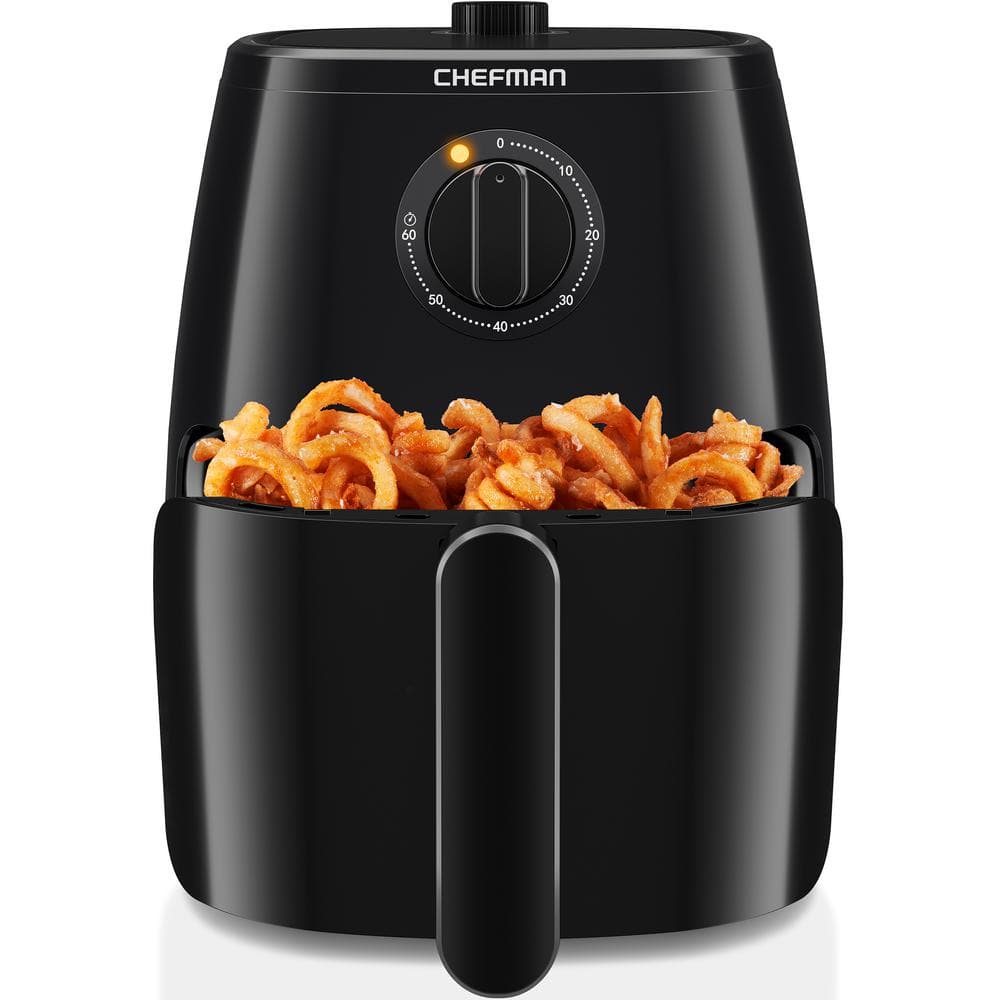
Depending on the issue, you might need the following tools and materials:
- Screwdrivers (Phillips and flathead)
- Multimeter
- Food-grade lubricant
- Replacement power cord
- Replacement sensors
- Replacement digital display
Tips, Warnings, and Best Practices
- Regular Cleaning: Keep your air fryer clean to prevent grease and debris from affecting the timer.
- Proper Usage: Follow the manufacturer’s instructions for setting the timer and operating the air fryer.
- Avoid Overloading: Do not overload the air fryer, as this can affect the temperature and timer accuracy.
- Safety First: Always unplug the air fryer before attempting any repairs.
- Professional Help: If you’re not comfortable performing repairs, seek professional assistance.
FAQ
How do I reset my Chefman air fryer?
To reset your Chefman air fryer, unplug it from the power outlet for 5-10 minutes, then plug it back in. This can help resolve minor electronic issues.
What does it mean when my Chefman air fryer displays an error code?
Error codes indicate specific problems. Refer to your user manual to identify the meaning of the code and follow the recommended troubleshooting steps.
Can I use my Chefman air fryer if the timer is not working?
Using the air fryer with a malfunctioning timer can be risky. It’s best to resolve the timer issue before using it to ensure your food is cooked properly and safely.
How often should I clean my Chefman air fryer?
Clean your air fryer after each use to prevent grease buildup. Deep clean it at least once a month to maintain optimal performance.
Where can I find replacement parts for my Chefman air fryer?
You can find replacement parts on the Chefman website, authorized retailers, or online marketplaces like Amazon.
Is it worth repairing my Chefman air fryer, or should I buy a new one?
Consider the cost of repair versus the cost of a new air fryer. If the repair is minor and the air fryer is relatively new, it may be worth repairing. However, if the air fryer is old or the repair is costly, buying a new one might be a better option.
Conclusion
A malfunctioning Chefman air fryer timer can be a significant inconvenience, but with the right troubleshooting steps and solutions, you can often resolve the issue yourself. By checking the power supply, inspecting the timer mechanism, examining the digital display, and testing the sensor functions, you can identify the root cause and implement the appropriate fix.
Remember to follow safety precautions and seek professional help when needed. With proper care and maintenance, your Chefman air fryer will continue to provide delicious, crispy meals for years to come. Now that you have these tools, get back to enjoying your air fryer!