

Cosori ovens have become increasingly popular due to their versatility and convenience, offering features like air frying, baking, and roasting in a single appliance. However, knowing how to properly turn off your Cosori oven is crucial not only for safety but also to prolong its lifespan. Whether you have a smart model or a basic one, the steps are generally simple. This article will walk you through the process, address common issues, and provide best practices for using your Cosori oven.
Methods to Turn Off Your Cosori Oven
There are a couple of ways to turn off your Cosori oven, depending on the model:
Using the Time/Shade Button
For some Cosori models, particularly the toaster oven air fryer combos, you can turn off the oven by pressing and holding the TIME/SHADE button for about 3 seconds. This should turn off the display and power down the oven.
Using the Start/Cancel Button
Many Cosori smart air fryer toaster ovens feature a START/CANCEL button. Pressing this button will typically stop the cooking process. Then, to completely turn off the oven, press and hold the same START/CANCEL button until the unit powers down.
Unplugging the Oven
As a last resort, or as a safety measure, you can always unplug the oven from the power outlet. However, it’s generally recommended to use the control panel buttons to turn it off first.
Step-by-Step Guide to Powering Down
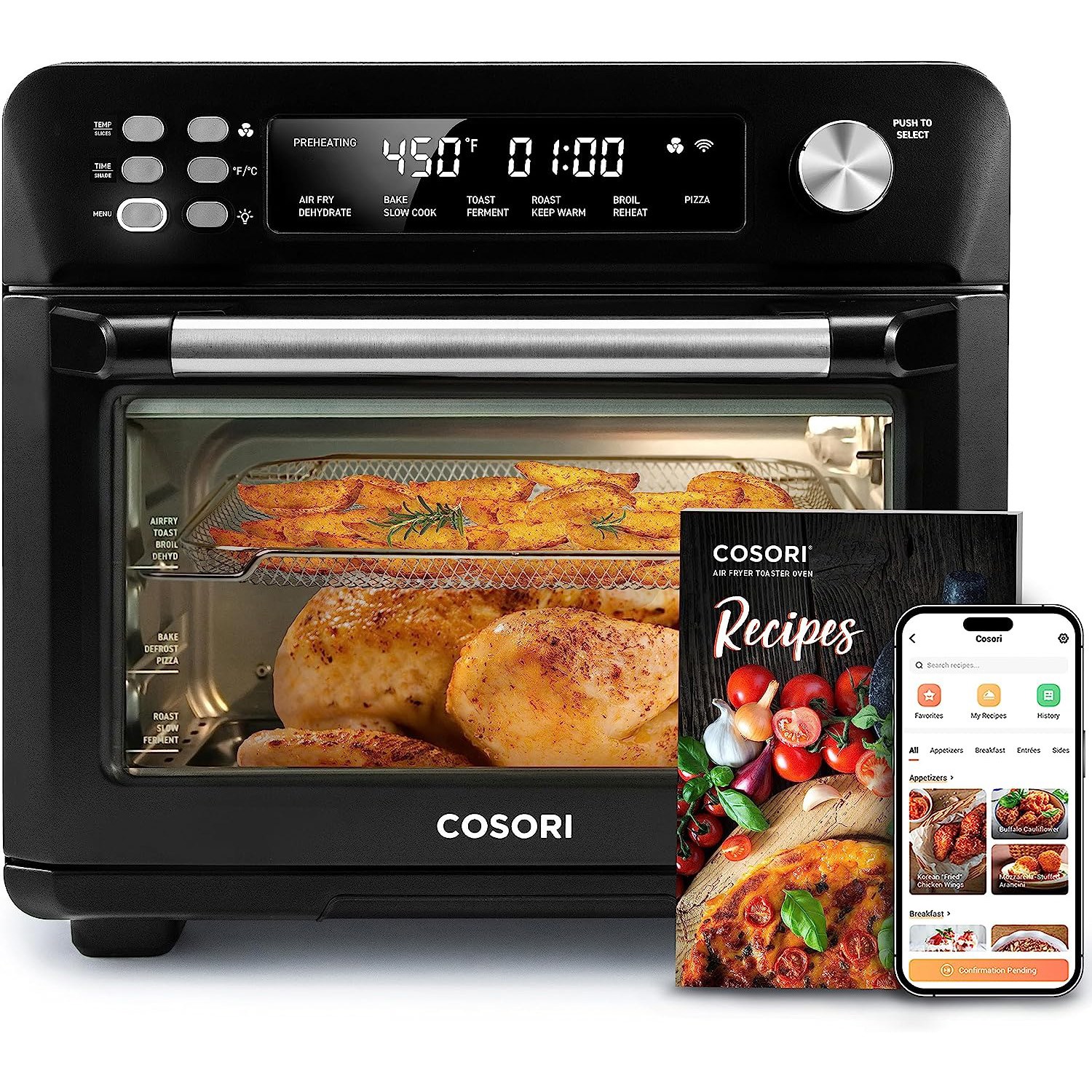
Here’s a detailed guide to ensure your Cosori oven is turned off correctly:
- Stop the Cooking Process: If the oven is currently in operation, press the START/CANCEL button to halt the cooking cycle.
- Turn Off the Display: Press and hold the TIME/SHADE button (or the START/CANCEL button, depending on your model) for about 3 seconds. The display should turn off.
- Unplug for Extra Safety: Once the display is off, you can unplug the oven from the outlet for added safety, especially if you won’t be using it for an extended period.
- Cool Down: Allow the oven to cool completely before cleaning or storing it. Opening the door can help it cool faster.
Troubleshooting: Oven Not Turning Off
Sometimes, you might encounter issues when trying to turn off your Cosori oven. Here are a few common problems and their solutions:
Control Panel Malfunction
If the buttons on your control panel are unresponsive, try resetting the oven. Unplug it from the power outlet, wait a few minutes, and then plug it back in. This can sometimes resolve minor software glitches.
Oven Not Responding
If the oven is completely unresponsive, ensure that it is properly plugged into a working outlet. Test the outlet with another device to confirm it’s providing power.
Smart Features Issues
If you’re using a smart Cosori oven and having trouble turning it off via the app, try disconnecting it from Wi-Fi and then reconnecting. You can disconnect Wi-Fi by pressing and holding the control knob for 15 seconds until the Wi-Fi indicator turns off.
Pro Tips for Cosori Oven Use
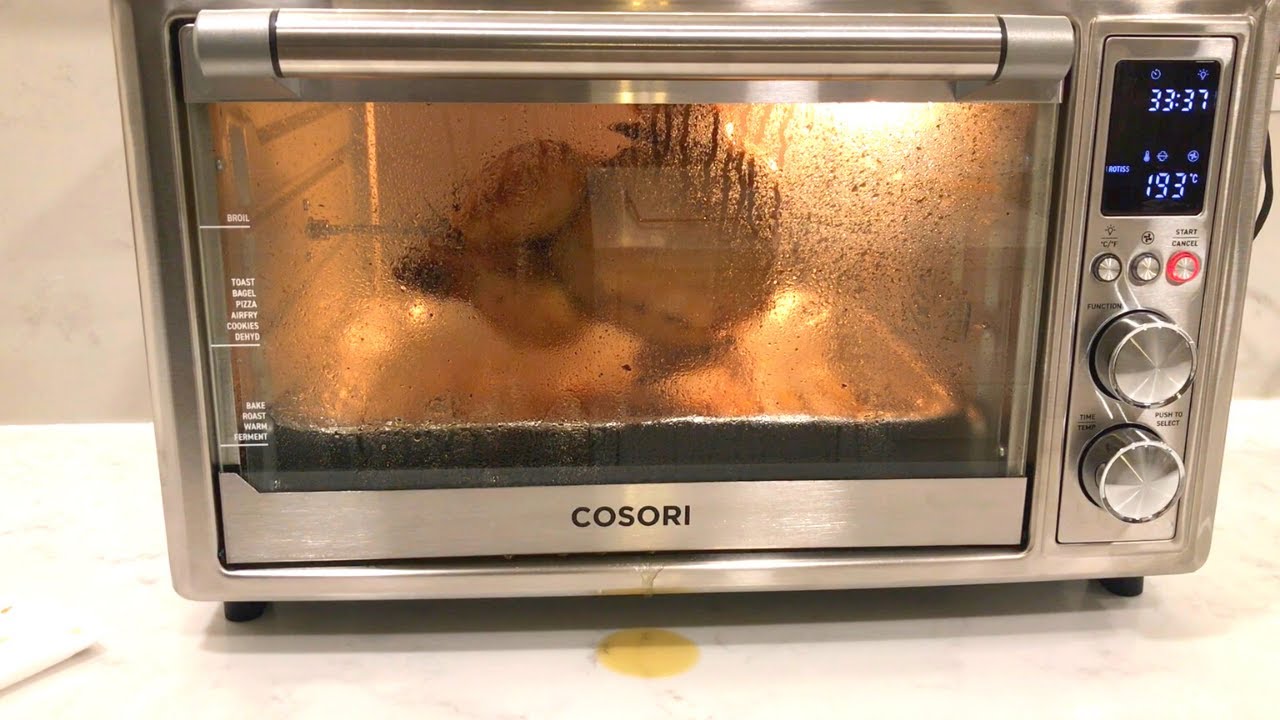
- Regular Cleaning: Clean your Cosori oven regularly to prevent grease and food buildup, which can affect its performance and safety.
- Correct Accessories: Always use the appropriate trays and accessories recommended for each cooking function to ensure optimal results.
- Safe Placement: Place your oven on a stable, heat-resistant surface away from flammable materials.
- Avoid Overcrowding: When air frying, avoid overcrowding the basket to ensure even cooking.
Safety and Best Practices

- Heat-Resistant Gloves: Always use heat-resistant gloves or mitts when handling hot trays, racks, or food items.
- Supervision: Closely supervise the oven when it is in use, especially around children.
- Unplug When Not in Use: Unplug the oven when not in use and before cleaning to prevent accidents.
- Avoid Water: Never immerse the oven housing, cord, or plug in water or other liquids.
FAQ
How do I reset my Cosori oven to factory settings?
To reset your Cosori oven, press and hold the control knob for 10 seconds. This will restore all default cooking function settings.
What should I do if my Cosori oven is smoking?
If you see dark smoke, immediately turn off and unplug the oven. Food may be burning. Wait for the smoke to clear before opening the door. White smoke can be normal, caused by heating fat or food splashing.
Can I use third-party accessories with my Cosori oven?
It is not recommended to use third-party accessories, as they may cause damage or injury. Always use official Cosori accessories.
How do I clean the accessories of my Cosori oven?
Wash all accessories with non-abrasive liquid cleanser or a mild spray solution on a soft, damp cloth or sponge. Ensure they are dry before placing them back in the oven.
What do I do if my Cosori oven is not heating properly?
Ensure the oven is properly plugged in and that the correct cooking function and settings are selected. If the issue persists, contact Cosori customer support.
How often should I clean the crumb tray?
Clean the crumb tray after each use to prevent grease and crumbs from overheating and potentially catching fire.
Conclusion
Turning off your Cosori oven correctly is essential for safety and maintaining the appliance’s performance. By following the steps outlined in this guide and adhering to the safety tips, you can ensure a hassle-free cooking experience. Remember to always prioritize safety and consult your user manual for specific instructions related to your model.
If you encounter any persistent issues, don’t hesitate to contact Cosori customer support for assistance. Now that you know how to safely turn off your Cosori oven, you can enjoy using it with peace of mind.